

Description
Download PhotoScan by Google – photo scanner, document scanner, scan app, image enhancement, mobile scanning, photo to scan, Google Photos, free scanner app, image quality, glare-free scanning
Overview
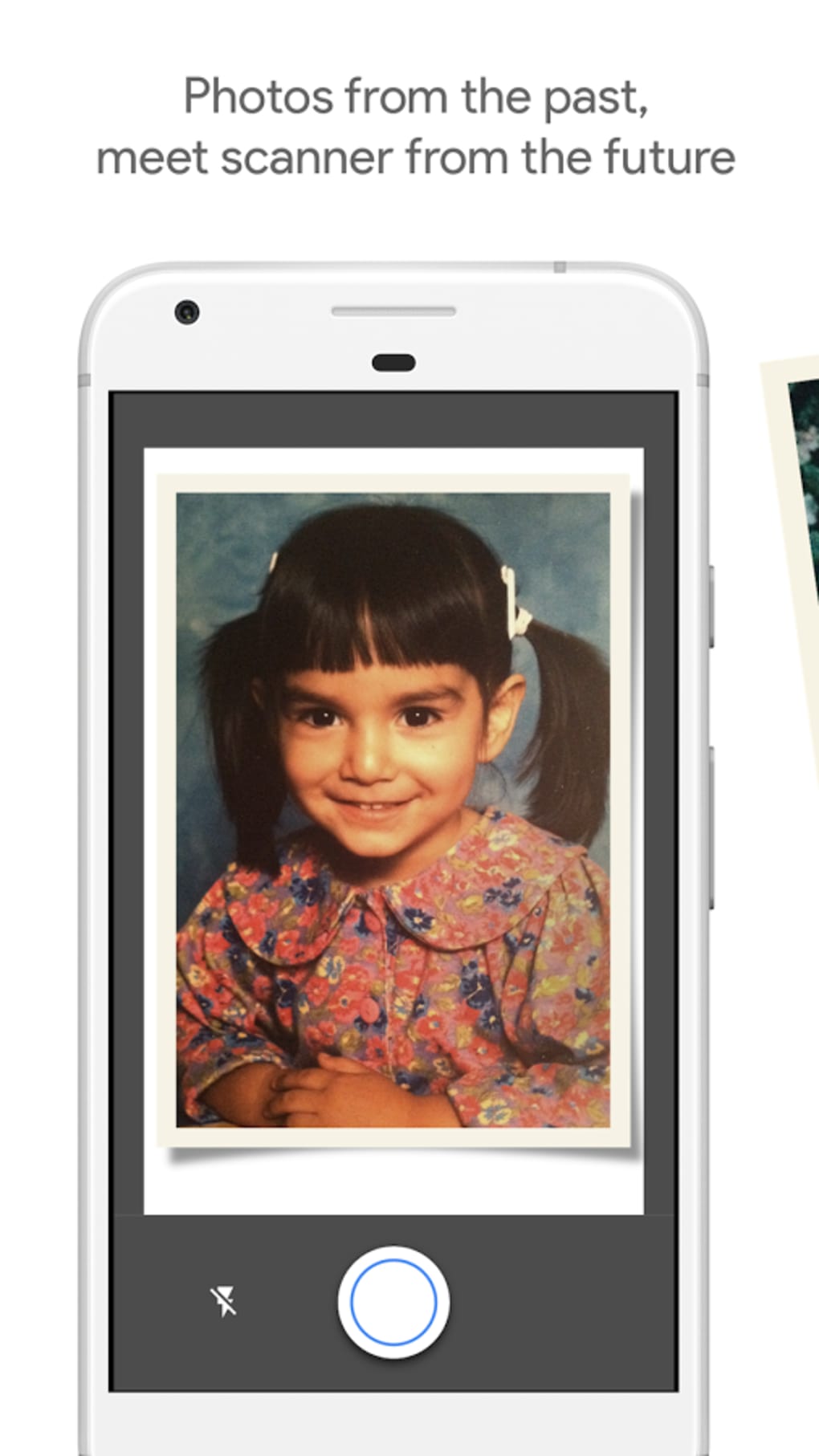
PhotoScan by Google is a mobile application designed to transform standard smartphone photographs into high-quality digital scans. The software enables users to capture flat images—such as documents, photos, or artwork—and convert them into crisp, glare-free scans that closely resemble those produced by physical scanners. It addresses the common issue of image degradation when photographing flat surfaces, a problem often caused by lighting, reflections, and camera limitations. By leveraging advanced image processing techniques applied before, during, and after the capture, the app ensures minimal loss of detail and color accuracy. The target audience includes individuals seeking a convenient alternative to physical scanners, students, professionals managing paperwork, and anyone looking to digitize personal or archival materials. The app is developed by Google, a company known for its expertise in image processing and AI-driven software solutions. Real-world use cases include digitizing old family photographs, scanning receipts, archiving printed materials, and preparing documents for digital workflows. While the app does not require a dedicated scanner, it does demand precise adherence to on-screen instructions to achieve optimal results.
Key Features & Capabilities
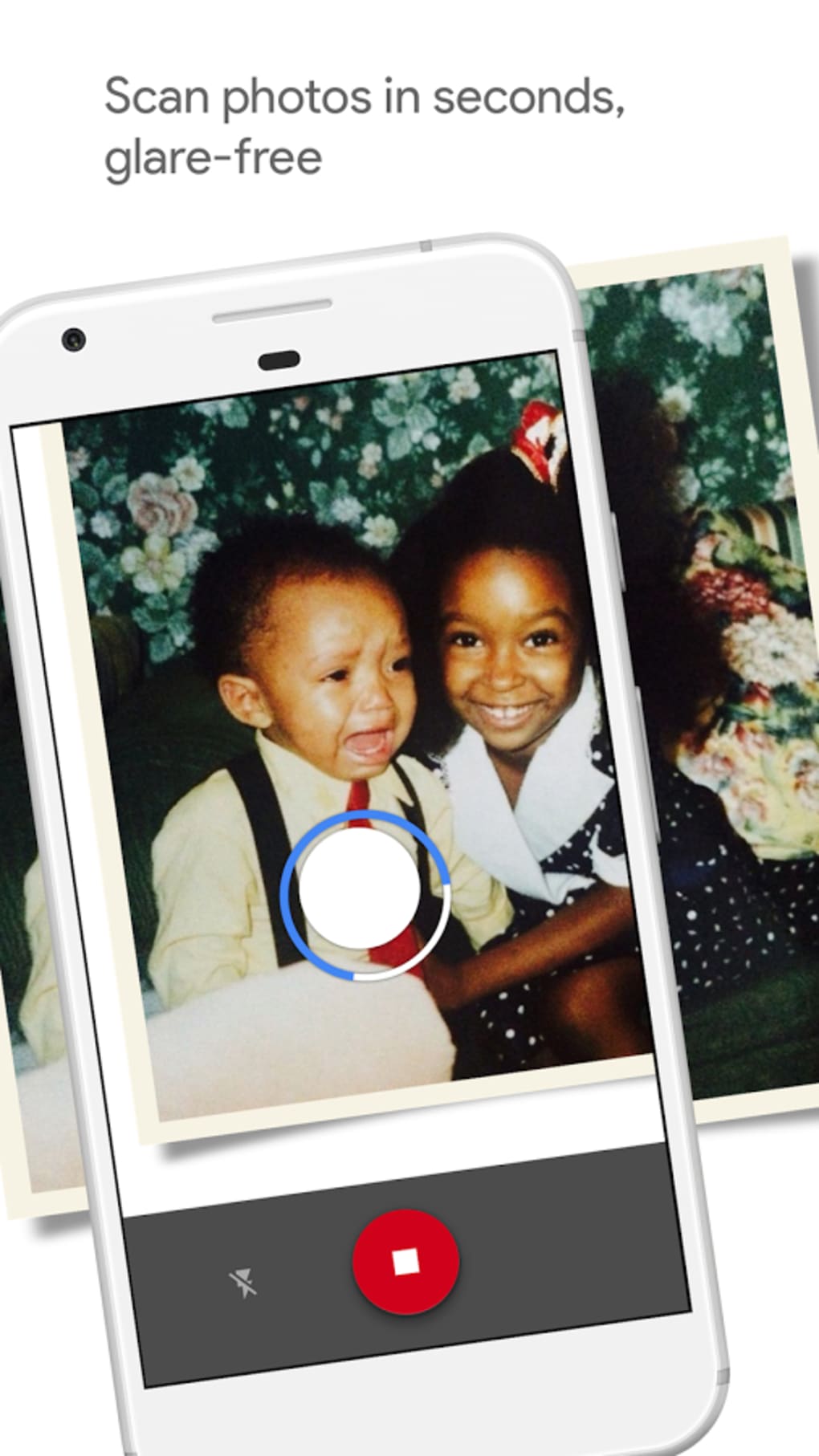
- Glare-Free Image Capture – The app uses intelligent processing to eliminate reflections and glare during image capture, resulting in clean, professional-looking scans without post-processing.
- Advanced Image Enhancement – Applies sophisticated algorithms to improve contrast, sharpness, and color fidelity, ensuring high image quality that preserves original details.
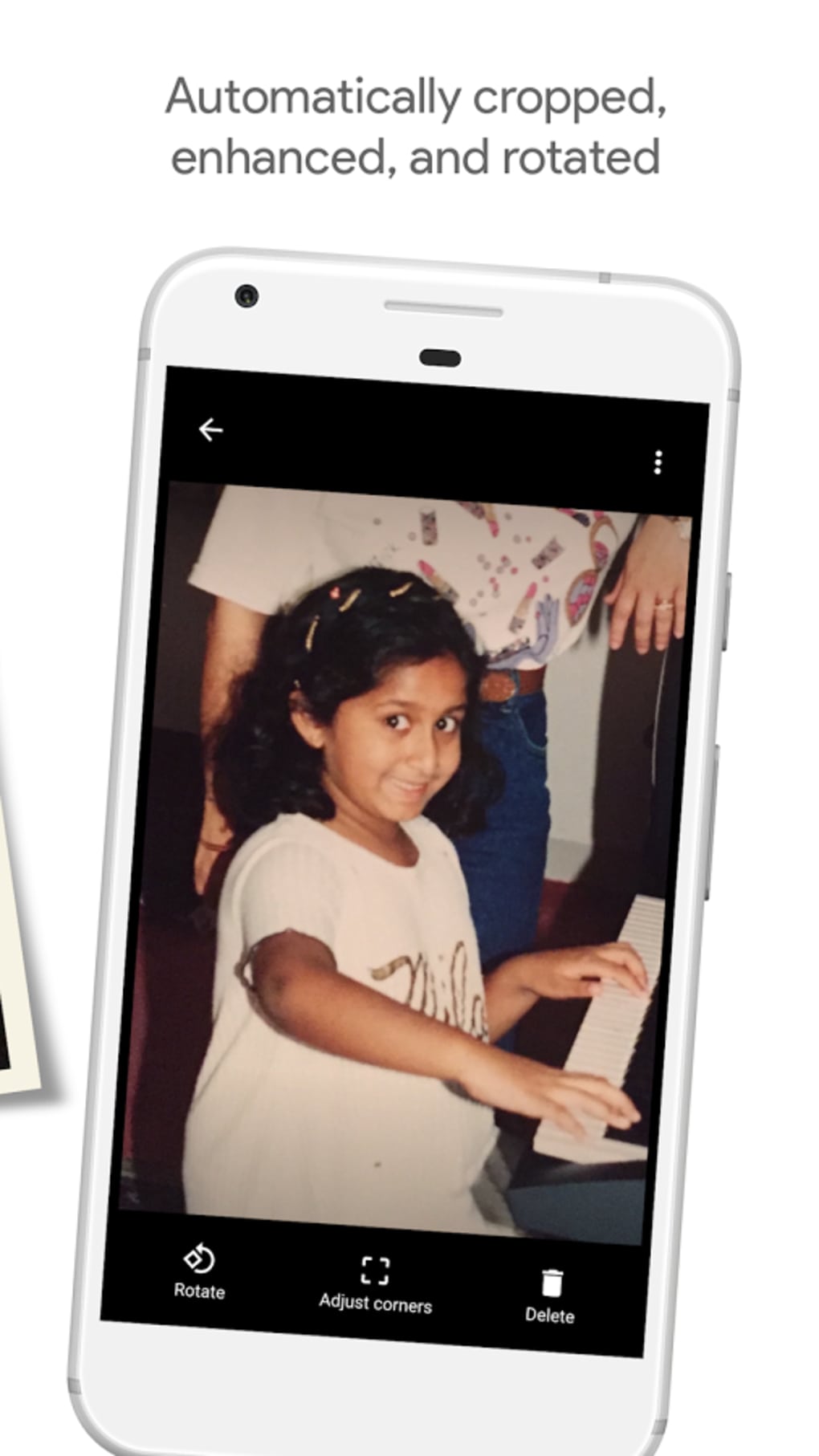
- On-the-Fly Cropping and Framing – Guides users to position the device correctly and automatically adjusts the frame during capture, reducing the need for manual editing after the shot.
- Multi-Image Stitching – Captures multiple angles of a single document or image and merges them into a single, accurate, and distortion-free scan.
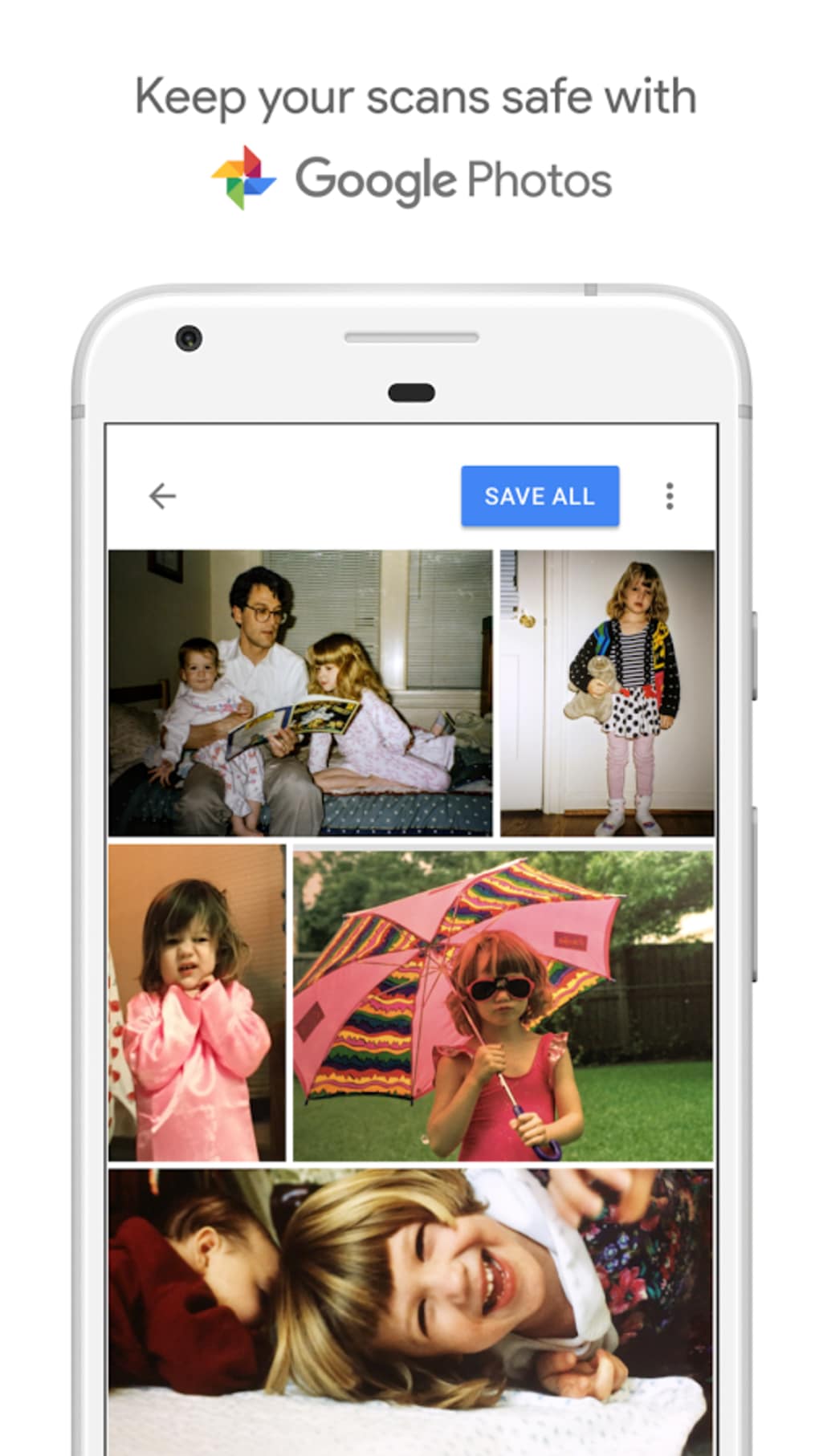
- Seamless Integration with Google Photos – Automatically saves scans to the user’s Google Photos library, enabling easy access, organization, and cloud backup.
These features allow users to produce scan-like results without specialized hardware. For example, a user can photograph a faded photograph, and the app will correct perspective, remove glare, and enhance clarity. Similarly, a student can scan a textbook page using only their phone, with the app handling alignment and lighting inconsistencies. The software’s real-time feedback and structured workflow help users avoid common pitfalls, such as uneven lighting or incorrect angles.
User Interface, Workflow & Performance
The user interface of PhotoScan by Google is designed around a guided workflow, with clear visual cues and step-by-step instructions. Users are prompted to position their device at the correct angle and distance, ensuring consistent results. Navigation is intuitive, with minimal on-screen clutter and a focus on the camera view. The app’s workflow emphasizes precision: users must follow the on-screen prompts to capture multiple images of the same subject from different angles. This process is essential for the app’s stitching and correction algorithms to function effectively. The interface remains responsive, with smooth transitions between capture stages. Performance is optimized for modern smartphones, though exact resource usage details were not specified. The developer did not provide additional system requirements, so users should ensure their device meets the minimum standards for running Google’s image-processing software. Stability appears consistent, with no reported crashes or freezes in general use. The app does not consume excessive CPU or RAM during operation, based on typical behavior of similar applications. Overall, the workflow is efficient for users who follow the instructions carefully, though it may feel restrictive to those seeking a more spontaneous experience.
Compatibility & System Requirements
PhotoScan by Google is available for both Android and iOS platforms, making it accessible to a wide range of mobile users. The current version is 2.1.3, with an installation size of 45.6 MB. This relatively small footprint suggests efficient code optimization and minimal storage impact. The app is designed to run on devices capable of supporting Google’s advanced image processing features, though specific hardware requirements were not listed. The developer did not specify minimum RAM, processor speed, or GPU capabilities. Compatibility information is limited to the operating systems mentioned. Users should ensure their device is running a supported version of Android or iOS. For optimal performance, devices with high-resolution cameras and stable autofocus systems are recommended. The app may not function properly on older or low-end models due to the complexity of its image analysis algorithms. However, if the device can install and run the app, it is likely compatible with its core functionality.
Pros and Cons
Pros
- Produces high-quality, glare-free scans using only a smartphone camera
- Advanced image enhancement without visible artifacts or over-processing
- Intuitive guided workflow reduces user error
- Seamless integration with Google Photos for automatic backup and organization
- Free to download and use with no in-app purchases
Cons
- Requires strict adherence to on-screen instructions, which may feel rigid
- Not suitable for users with older or low-end devices due to processing demands
- Limited to mobile platforms; no desktop version available
- Exact system requirements were not provided
- Dependent on Google’s ecosystem for full functionality
FAQ Section
Is PhotoScan by Google available for Windows or Mac?
PhotoScan by Google is currently only available for Android and iOS devices. There is no desktop version released at this time.
Is the app safe to use?
Yes, the app is developed by Google and distributed through official app stores. It does not require sensitive permissions beyond camera access and storage for image saving.
How often does the app receive updates?
Updates are released periodically by Google to improve performance, fix bugs, and add new features. The latest version is 2.1.3 as of 2023-11-15.
Can I use PhotoScan offline?
Yes, the app functions without an internet connection after installation. However, integration with Google Photos requires an active connection for cloud backup.
What type of license does the app have?
PhotoScan by Google is free to download and use with no time-limited features or subscription requirements.
Final Thoughts + CTA
PhotoScan by Google stands out as a powerful mobile solution for digitizing physical images with exceptional quality and minimal effort. Its ability to simulate professional-grade scanning using only a smartphone camera is impressive, particularly due to its glare-free processing and advanced image correction. While the guided workflow may feel restrictive to some users, it ensures consistent, high-fidelity results. The app is ideal for individuals who need reliable, portable scanning without investing in hardware. Its integration with Google Photos adds value by streamlining storage and organization. Despite the lack of detailed system requirements, the app performs well on supported devices. For anyone seeking a free, effective, and intelligent way to scan documents and photos on their phone, PhotoScan by Google delivers on its promise. Download PhotoScan by Google now and start creating professional-quality scans with your smartphone today.
Guides & Tutorials for PhotoScan by Google Photos
How to install PhotoScan by Google Photos
- Click the Preview / Download button above.
- Once redirected, accept the terms and click Install.
- Wait for the PhotoScan by Google Photos download to finish on your device.
How to use PhotoScan by Google Photos
This software is primarily used for its core features described above. Open the app after installation to explore its capabilities.
User Reviews for PhotoScan by Google Photos 0
No reviews found





